Most security training teaches people not to open strange attachments or type their password into a fake login page. ClickFix sidesteps both. The victim lands on a web page, often a real but compromised site, that shows a familiar “verify you are human” box or a fake error. To pass the check, it tells them to press the Windows key and R, then Ctrl and V, then Enter. In those three keystrokes the victim pastes and runs a command the page has quietly copied to their clipboard, and installs the malware themselves. No attachment, no exploit, nothing for an email filter to catch. Microsoft’s 2025 Digital Defense Report found ClickFix was the most common way attackers got their first foothold in the incidents its experts handled, ahead of traditional phishing. This guide explains how it works and how to stop it.
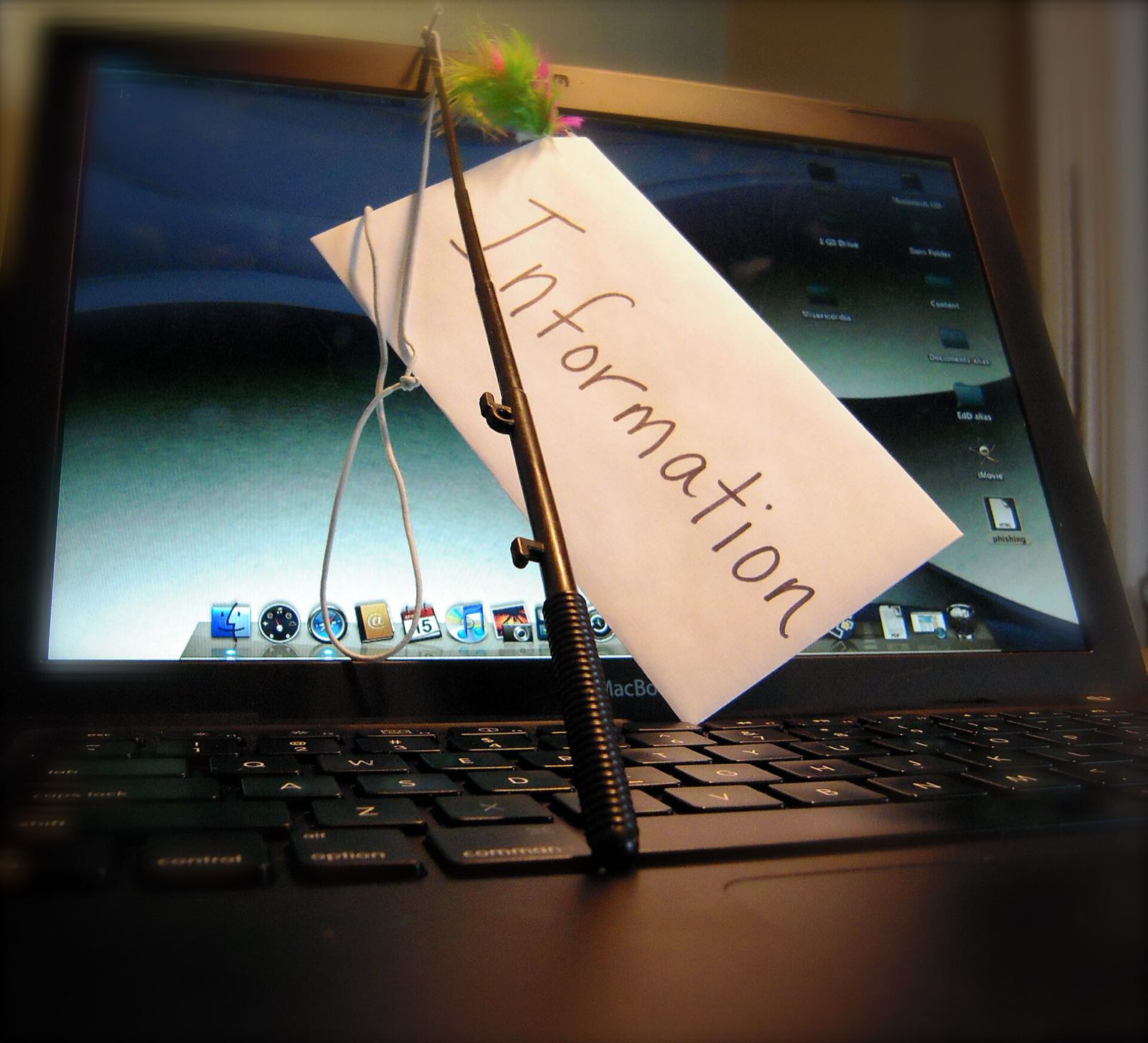
What a ClickFix attack looks like
The page is built to feel routine. A typical version shows a CAPTCHA box with a checkbox. When the visitor clicks it, a panel appears with “verification steps”: press Windows+R, press Ctrl+V, press Enter. Behind the scenes, JavaScript on the page has already copied a command to the clipboard. What gets pasted is a line that launches PowerShell or the Windows mshta tool to download and run a script, often padded with harmless-looking text such as “I am not a robot – reCAPTCHA Verification ID” so the visible part of the Run box looks innocent.
| Step | What the user sees | What actually happens |
|---|---|---|
| 1 | A CAPTCHA, browser update notice or document error | The page copies a malicious command to the clipboard |
| 2 | “Press Windows + R” | The Windows Run dialog opens |
| 3 | “Press Ctrl + V” | The command is pasted, often disguised with spaces and fake text |
| 4 | “Press Enter to complete verification” | PowerShell or mshta downloads and runs malware |
| 5 | “Verification complete” | An information stealer or remote access tool is now running |
Victims arrive by many routes: a phishing email with a link rather than an attachment, a search result or advert for popular software, a malicious advert on a legitimate site, or a compromised website they already trust. Because the user performs the final step, many security tools see only a person running a command on their own computer.
Why it has become so common
ClickFix spread quickly from late 2024 because it solves problems attackers have with other methods. Email gateways have become good at stopping malicious attachments and macro documents. Browsers block many drive-by downloads. Multi-factor authentication blunts simple password theft. ClickFix needs only a web page and a believable reason, and it turns the user into the delivery mechanism. Both criminal groups and state-backed actors have adopted it, and ready-made ClickFix kits are sold to less skilled attackers.
It also exploits a habit: people are used to solving CAPTCHAs without thinking and to following on-screen instructions to fix technical problems. Our guide to stopping phishing attacks covers the email side of the same campaigns.

What happens after the paste
Most ClickFix campaigns deliver one of two kinds of malware. Information stealers, such as the Lumma family, collect saved browser passwords, session cookies, cryptocurrency wallets and documents, and send them to the attacker within minutes. Stolen session cookies are especially dangerous because they can let an attacker into Microsoft 365, Google Workspace or banking sessions without needing the password or the MFA code. Our article on infostealer malware explains that threat in detail.
The second kind is a remote access tool, such as NetSupport or AsyncRAT, which gives the attacker control of the computer. From there they explore the network, steal more credentials and, in the worst cases, prepare ransomware. The time from paste to compromise is short, so detection and response speed matter.
The variants to watch for
| Variant | Lure | What the user is told to do |
|---|---|---|
| Fake CAPTCHA | “Verify you are human” | Windows+R, Ctrl+V, Enter |
| Fake browser or font error | “Your browser needs an update to display this page” | Copy a “fix” into PowerShell |
| Fake meeting or document error | Google Meet, Teams or Word “cannot load” | Run a command to repair the microphone or viewer |
| FileFix | “Open this shared file” | Paste a path into the File Explorer address bar |
| macOS variant | Fake installer or CAPTCHA for Mac users | Paste a command into Terminal |
The details change constantly, so teach the pattern rather than the disguise: any page that asks you to copy something into a system tool is an attack.
Technical controls that work
Because ClickFix depends on a handful of built-in Windows tools, a few configuration changes remove most of the risk without affecting normal work. Most can be applied through Group Policy or Microsoft Intune.
- Remove the Run dialog for standard users. The “Remove Run menu from Start Menu” policy also disables Windows+R. Few office staff need it.
- Restrict PowerShell. Use application control (App Control for Business or AppLocker) so standard users cannot run PowerShell, or enforce Constrained Language Mode.
- Block mshta and other script hosts that legitimate business users rarely need.
- Enable attack surface reduction rules in Microsoft Defender, such as blocking obfuscated scripts and blocking JavaScript or VBScript from launching downloaded content.
- Remove local administrator rights so malware cannot install itself system-wide.
- Use protective DNS and web filtering to block known malicious domains and newly registered domains.
- Monitor for PowerShell launched from the Run dialog or a browser, which endpoint detection tools can flag.
Reduce the value of what an infostealer can take, too: use a password manager instead of saving passwords in the browser, prefer phishing-resistant MFA such as passkeys, and shorten session lifetimes for administrator accounts.

Training staff to spot it
Technical controls do the heavy lifting, but staff awareness closes the gap on devices you do not fully control, such as personal laptops used for work. The message should be short and absolute: no real website, CAPTCHA or support process asks you to press Windows+R, paste into PowerShell or Terminal, or type into the File Explorer address bar. If a page asks, close it and tell IT.
If a web page tells you to press keys or paste something to “verify” or “fix” a problem, it is an attack. Close the tab and report it.
Add a ClickFix example to phishing simulations and induction training, and make reporting easy and blame-free, because early reports are what let you contain an incident. Our guide to security awareness training that works covers how to run short, regular sessions.
If someone has already run the command
- Disconnect the device from the network and Wi-Fi, but do not switch it off if your IT team may want to investigate.
- From a different, clean device, change the passwords for email, Microsoft 365 or Google Workspace, banking and any password saved in that browser.
- Sign out all sessions in Microsoft 365 or Google admin and revoke refresh tokens, because stolen cookies survive password changes.
- Check for new mailbox rules, forwarding addresses and MFA methods added by the attacker.
- Wipe and reinstall the affected computer rather than trying to clean it.
- Review what other systems the user could reach and watch for unusual sign-ins for several weeks.
Our cybersecurity team can apply the Windows hardening settings above across your devices, set up monitoring, and help you respond if an incident has already happened.
Frequently asked questions
What is a ClickFix attack?
A social engineering technique where a web page persuades the user to paste and run a malicious command, usually through the Windows Run box or PowerShell, by disguising it as a CAPTCHA or error fix.
Why does antivirus not stop it?
The user runs a built-in Windows tool themselves, which looks legitimate. Modern endpoint protection can detect the behaviour, but blocking the tools for standard users is more reliable.
Can ClickFix affect Macs?
Yes. Variants tell Mac users to paste commands into Terminal. The same rule applies: never paste commands from a website.
Will blocking the Run dialog break anything?
Rarely for office staff. Keep it available for IT administrators, who use separate accounts.
Does MFA protect against ClickFix?
Partly. Infostealers can steal session cookies that bypass MFA, so revoke sessions after an infection and prefer phishing-resistant methods such as passkeys.
Want ClickFix-resistant Windows settings rolled out across your team? Get in touch with Eudora Technology to talk about your project.