If you have hired a web developer recently or looked at software for a NAS, you have probably met the word Docker. Developers talk about “containerising” an app, software vendors offer a “Docker image”, and NAS boxes now advertise “container support”. Containers are one of the foundations of cloud native computing, and they have quietly changed how software is built, shipped and run. The core idea is simple enough to explain without any code, and understanding it helps a business owner ask better questions, judge developer proposals and make use of a NAS or small server for more than file storage. This guide explains what containers are, how they differ from virtual machines, and practical ways a small business can use them.
Key points
- A container packages an application with everything it needs, so it runs the same on a laptop, a NAS, a server or the cloud.
- Containers share the host’s operating system kernel, so they start in seconds and use far less memory than virtual machines.
- Docker is the most widely used tool for building and running containers; Kubernetes runs large numbers of them.
- Many NAS devices and any small server can run useful business tools as containers.
- Use official images, keep them updated and back up the data they store.
The shipping container idea
Before shipping containers, cargo of every shape was loaded by hand, and each ship and port handled it differently. The standard steel container changed that: whatever is inside, the box is the same size, so cranes, ships, trucks and trains all handle it the same way. Software containers do the same for applications. A container holds the application plus the exact libraries, runtime and settings it needs. Any computer with a container runtime can run it, without installing those dependencies on the computer itself.
This solves an old problem developers call “it works on my machine”. An app that ran on the developer’s laptop fails on the server because a library version differs. Packaged as a container, the same image runs identically everywhere, from the developer’s laptop to testing to the live server.
Images, containers and Compose
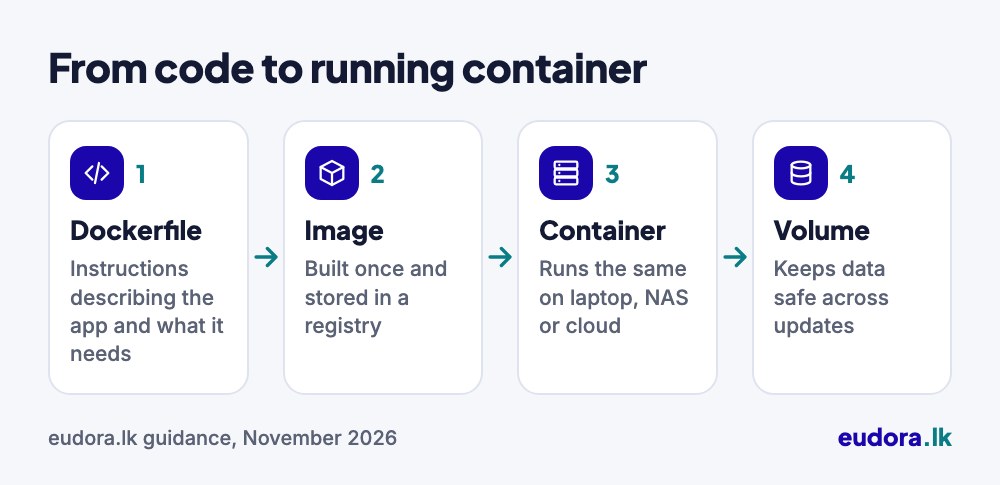
- Image: a read-only template, like a recipe and ingredients, built from a short instructions file called a Dockerfile.
- Container: a running instance of an image. You can run many containers from one image.
- Registry: a library of images, such as Docker Hub, where official images for databases, web servers and applications are published.
- Volume: storage outside the container where data is kept, so it survives when the container is updated or replaced.
- Docker Compose: a simple file that describes several containers that work together, such as a website, its database and a cache, so they start with one command.
Containers versus virtual machines
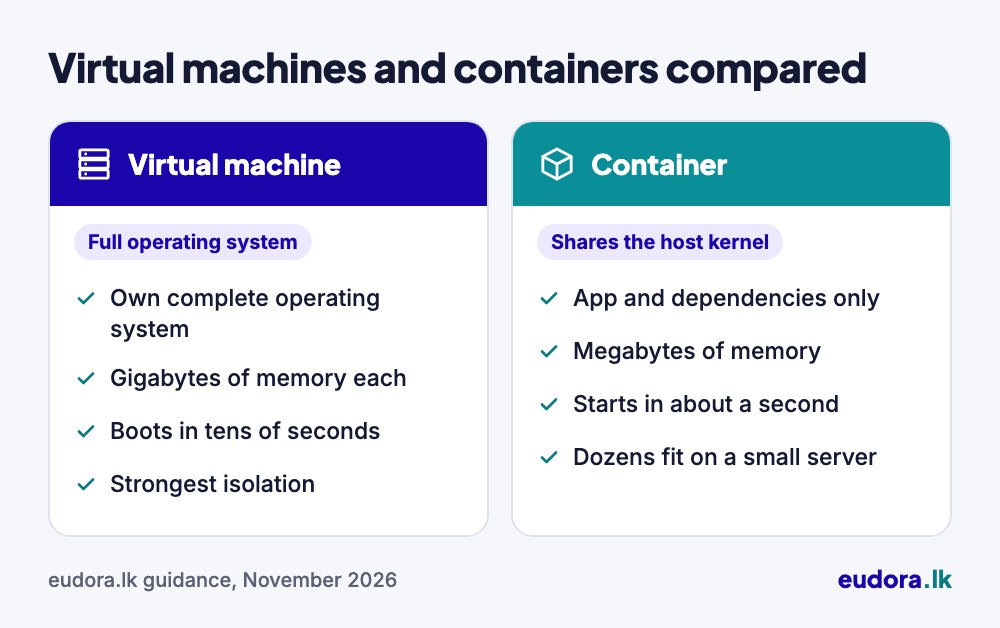
A virtual machine (VM) emulates a whole computer, with its own complete operating system. That gives strong isolation but uses a lot of memory and storage, and a VM takes a minute or more to boot. A container shares the host’s operating system kernel and contains only the application and its dependencies, so it starts in a second or two and uses a fraction of the resources. A small server that might run three or four VMs can often run dozens of containers.
| Virtual machine | Container | |
|---|---|---|
| Includes | A full operating system plus the app | The app and its dependencies only |
| Start-up time | Tens of seconds to minutes | About a second |
| Memory use | Gigabytes per VM | Megabytes to hundreds of megabytes |
| Isolation | Very strong | Strong, but shares the host kernel |
| Best for | Different operating systems, legacy servers | Modern apps, microservices, self-hosted tools |
The two work together. Cloud servers are VMs, and containers run inside them. Our guide to what cloud native means shows where containers fit in the bigger picture.
Why developers and businesses like containers
For developers, containers make environments consistent and deployments repeatable. For a business paying for software, they bring practical benefits: an app can be moved between hosting providers easily, which reduces lock-in; updates can be tested on an identical copy before going live; and a failed update can be rolled back by running the previous image. When a developer proposes a containerised deployment, it usually means the app will be easier to maintain and move, even if the developer stops working with you. Ask for the Dockerfile and Compose file to be included in the handover.
Running containers on a NAS or mini PC
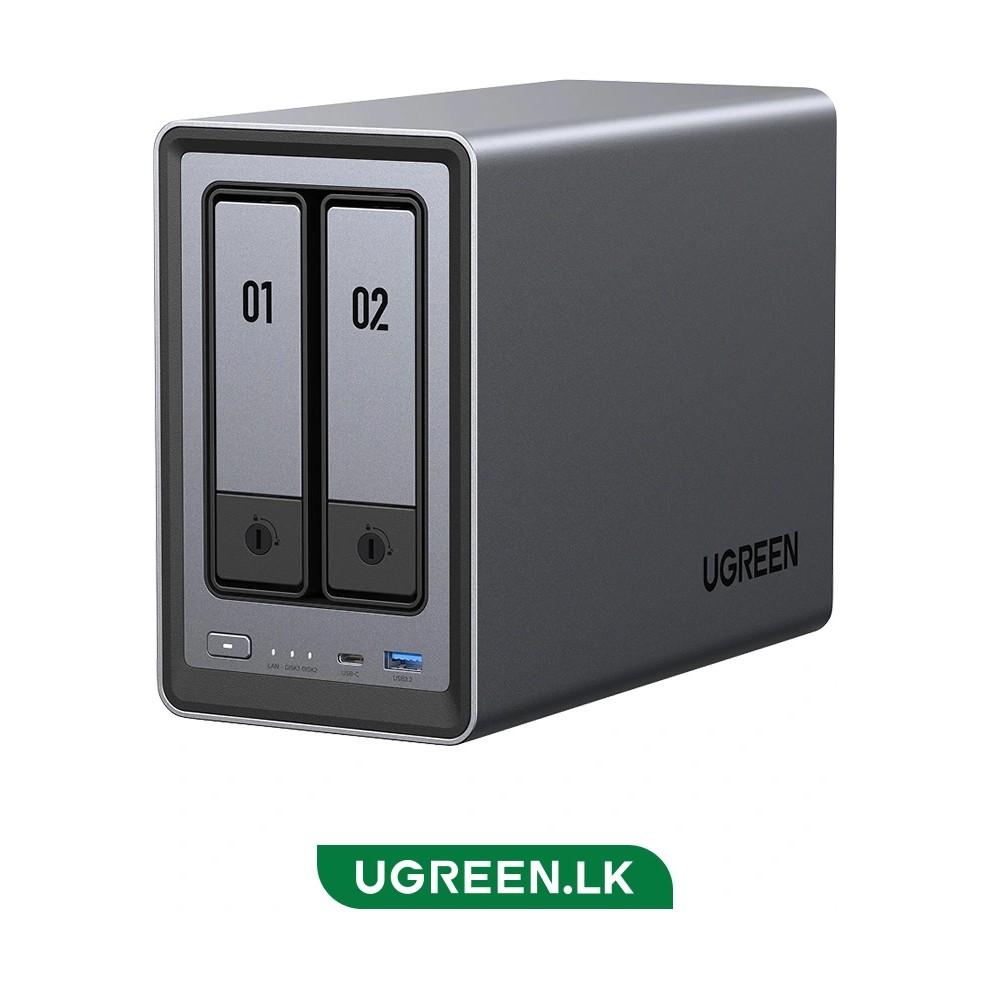
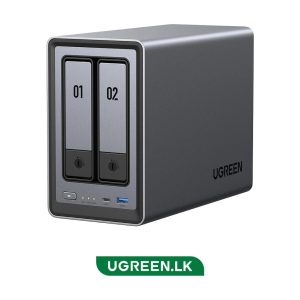
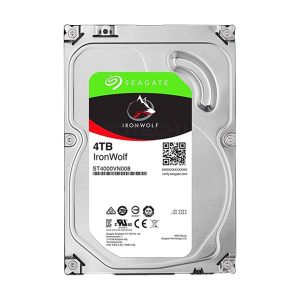
Containers are not only for the cloud. Many current NAS devices can run them directly. The UGREEN NASync DXP2800, at Rs 149,500, has an Intel N100 processor, 8GB of DDR5 memory and 2.5 gigabit networking, and its operating system includes Docker support. With two 4TB Seagate IronWolf drives mirrored, the setup comes to Rs 248,500. A small office can run useful self-hosted tools on it alongside file sharing and backups. Our NAS guide covers the storage side.
A mini PC is another option for a small, quiet, low-power container host. A Lenovo IdeaCentre Mini with a 1TB Kingston NV3 SSD comes to Rs 338,000 and can run Linux with Docker for an office’s internal tools. Our article on the electricity cost of home and office tech shows why mini PCs make economical always-on servers.
| Tool (runs as a container) | What it does for a small business |
|---|---|
| Uptime Kuma | Monitors your website and services and alerts you when they go down |
| Nextcloud | Self-hosted file sharing and calendars |
| Home Assistant | Smart office and IoT automation hub |
| Vaultwarden | Self-hosted password manager compatible with Bitwarden apps |
| Paperless-ngx | Scans, indexes and searches paper documents |
| A staging copy of your website | Tests updates safely before the live site |
Note: Self-hosting means you are responsible for updates, backups and security. For business-critical services, a managed cloud service is often safer unless someone has time to look after the containers.
Security basics
Containers are not automatically secure. Follow a few rules: use official or well-maintained images from trusted publishers; pin versions and update them regularly, because old images carry known vulnerabilities; never put passwords inside images, use environment variables or secrets instead; do not expose management ports such as Docker’s API to the internet; run containers as non-root users where possible; and store data in volumes that are included in your backups. A container that is deleted takes any data not in a volume with it.
Containers in a developer’s workflow
For businesses that commission software, it helps to know how containers change the way a developer works. The developer writes code and a Dockerfile, and every change is built into a new image automatically by a build service. That image is tested, then the same image is deployed to a staging copy of the site and finally to the live server. Because the image never changes between stages, a test that passes in staging is a reliable sign it will work live. If a release causes problems, the previous image is redeployed in minutes.
This also makes it easier to bring in a new developer or move to a new hosting provider. Instead of a long document describing how the server was set up by hand years ago, the Dockerfile and Compose file are the instructions. Insist that they are stored in your company’s code repository, along with clear notes on where data volumes and backups live, so the business owns everything it needs to keep the app running.
Docker Desktop licensing
Docker Engine, the core runtime on Linux, is open source and free. Docker Desktop, the app for Windows and macOS that most developers use, is free for personal use, education, non-commercial open-source projects and small businesses with fewer than 250 employees and less than 10 million US dollars in annual revenue. Larger organisations need a paid subscription. Alternatives such as Podman and Rancher Desktop are also available.
From one server to Kubernetes
When an organisation runs many containers across several servers, it needs orchestration: something to decide where containers run, restart failed ones, scale them up and down and route traffic. Kubernetes is the dominant tool for this, and managed versions are offered by all major clouds. For a small business it is usually unnecessary; Docker Compose on one server, or a managed container service, is simpler. Our guide to static websites and serverless hosting covers another low-maintenance option.
Getting help
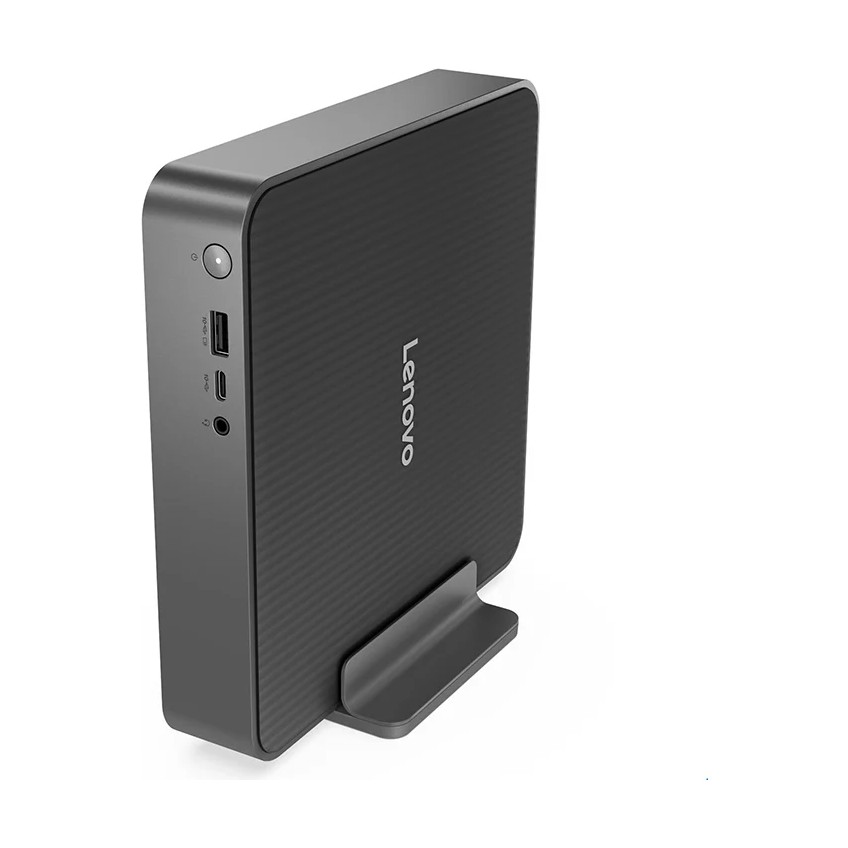
Our team can set up a NAS or mini PC as a container host, deploy and secure self-hosted tools, and include them in your backups, or set up a cloud server for containerised apps with our cloud server setup service at Rs 24,900. See our cloud solutions page.
-
 UGREEN
 NASync DXP2800 2-Bay NAS – Intel N100, 8GB DDR5, 2.5GbE (Diskless)
Rs 149,500
Add to cart
-
 Seagate
 IronWolf 4TB NAS Hard Drive – 3.5-inch SATA
Rs 49,500
Add to cart
-
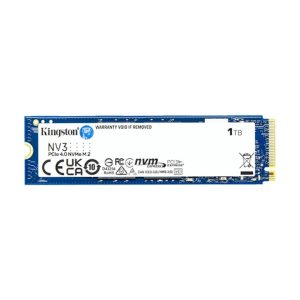 Kingston
 NV3 1TB M.2 NVMe SSD – PCIe 4.0, up to 6,000MB/s
Rs 58,000
Add to cart
-
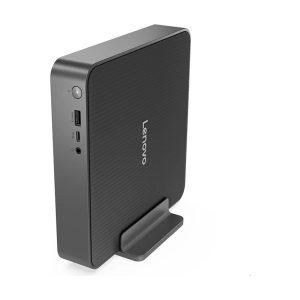 Lenovo
 IdeaCentre Mini 01IRH10R Mini PC – Core 7 240H, 8GB, 512GB SSD
Rs 280,000
Add to cart
Frequently asked questions
Is Docker the same as a container?
Docker is the most popular tool for building and running containers. Containers can also run with other tools such as Podman and containerd.
Can containers run on Windows?
Yes. Docker Desktop on Windows runs Linux containers inside a lightweight virtual machine.
Do I need Kubernetes to use containers?
No. Docker Compose on a single server is enough for most small setups.
Can my NAS run Docker?
Many recent NAS models can, including the UGREEN DXP2800. Check the model’s specifications for container support.
Are containers secure?
They are secure when you use trusted images, update them, avoid exposing management ports and back up their data.
This article was originally published on eudora.lk.