For years, buying smart home gear meant choosing a camp. A smart plug that worked with Alexa might not work with Google Home, and a lock that worked with Apple Home might need its own app and hub. Matter is the industry’s attempt to end that. Backed by Amazon, Google, Apple, Samsung and hundreds of device makers, it lets one device work with several voice assistants and apps at once. In late 2025 it also gained support for cameras, gates and blinds. This guide explains how Matter works, what you need at home to use it, and how to tell whether it matters for the devices you plan to buy in Sri Lanka.
Key points
- Matter is a common language for smart home devices, managed by the Connectivity Standards Alliance and supported by Amazon, Google, Apple and Samsung.
- A Matter device can be added to Alexa, Google Home and Apple Home at the same time.
- Matter runs over Wi-Fi, Ethernet or Thread. Thread devices need a Thread border router, often built into a smart speaker or hub.
- Matter 1.5, released in November 2025, added cameras, gates, garage doors and blinds, but many popular cameras still use their own apps in 2026.
The problem Matter solves
A smart home device has to talk to something: an app on your phone, a voice assistant, or a hub that runs automations. Before Matter, each ecosystem had its own rules, and device makers had to build separate integrations for each one. Many did not bother, which is why so many devices worked with one assistant and not another, or needed their own app and cloud account.
Matter defines one way for devices to announce what they are and accept commands, whatever brand made them. A Matter smart plug looks the same to Alexa, Google Home and Apple Home. Commands travel over your home network rather than through a manufacturer’s cloud where possible, which also makes devices respond faster and keep working during an internet outage.
How Matter works: Wi-Fi, Thread and controllers
Matter is the language. The devices still need a network to carry it, and something to control them.
| Part | What it is | Examples |
|---|---|---|
| Wi-Fi | Uses your existing router; suits devices with mains power | Smart plugs, bulbs, appliances |
| Thread | A low-power mesh network for small battery devices | Door and window sensors, buttons, some locks |
| Ethernet | Wired connection for hubs and bridges | Hubs, bridges for older devices |
| Controller | The app or speaker that adds and controls devices | Amazon Echo, Google Nest, Apple Home, SmartThings |
| Thread border router | Connects Thread devices to your home network | Built into some Echo, Nest and Apple TV or HomePod models |
| Bridge | Lets older non-Matter devices appear in Matter | Some Zigbee hubs and lighting bridges |
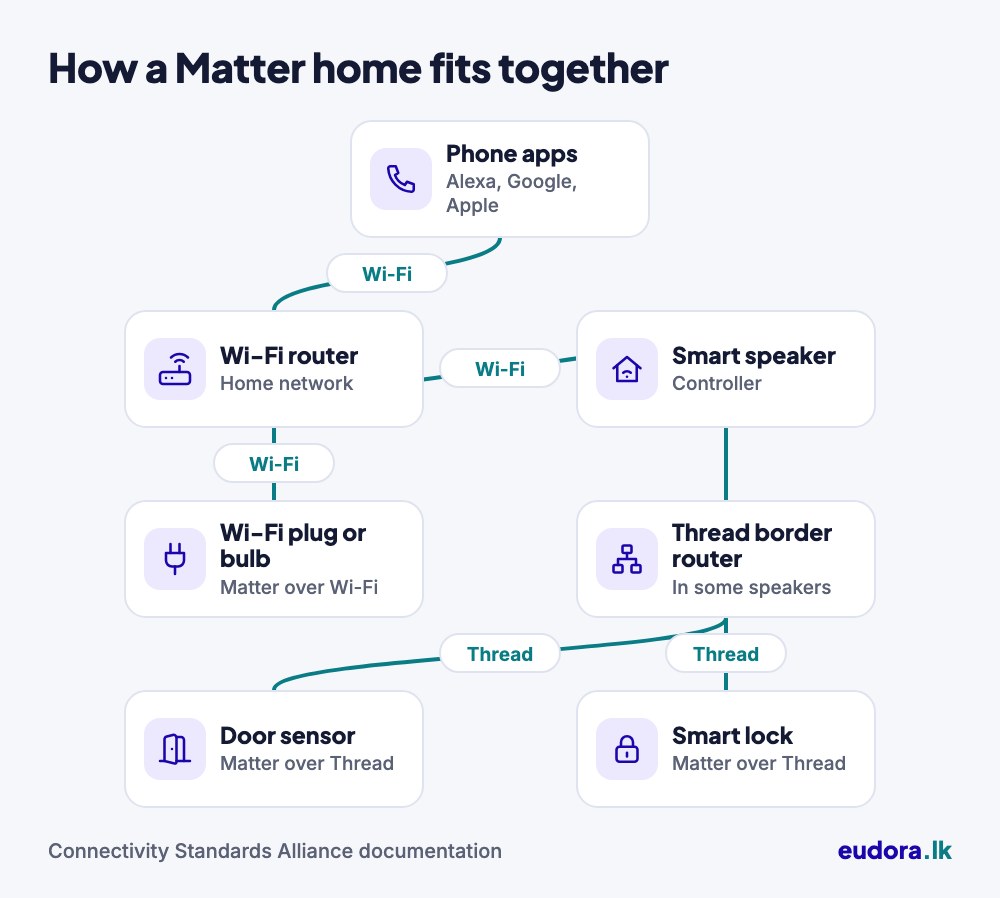
Thread is worth understanding because it is the part that most often catches people out. Thread devices form a mesh, passing messages to each other, which makes them reliable and gives small batteries a long life. But they cannot talk to your Wi-Fi directly. You need at least one Thread border router in the house. Not every smart speaker has one, so check the specification before buying Thread sensors.
What Matter 1.5 changed
Matter started in October 2022 with basics such as lights, plugs, switches, thermostats, locks and sensors. Each update since has added device types. The Connectivity Standards Alliance released Matter 1.5 in November 2025, and it was a significant step.
- Cameras: live video, recording, pan-tilt-zoom control, detection zones and privacy zones, using common standards.
- Closures: gates, garage doors, shutters and blinds, with position and safety information.
- Soil sensors: moisture and temperature for gardens and plant care.
- Energy: electricity tariff information so devices can shift use to cheaper times, where utilities provide it.
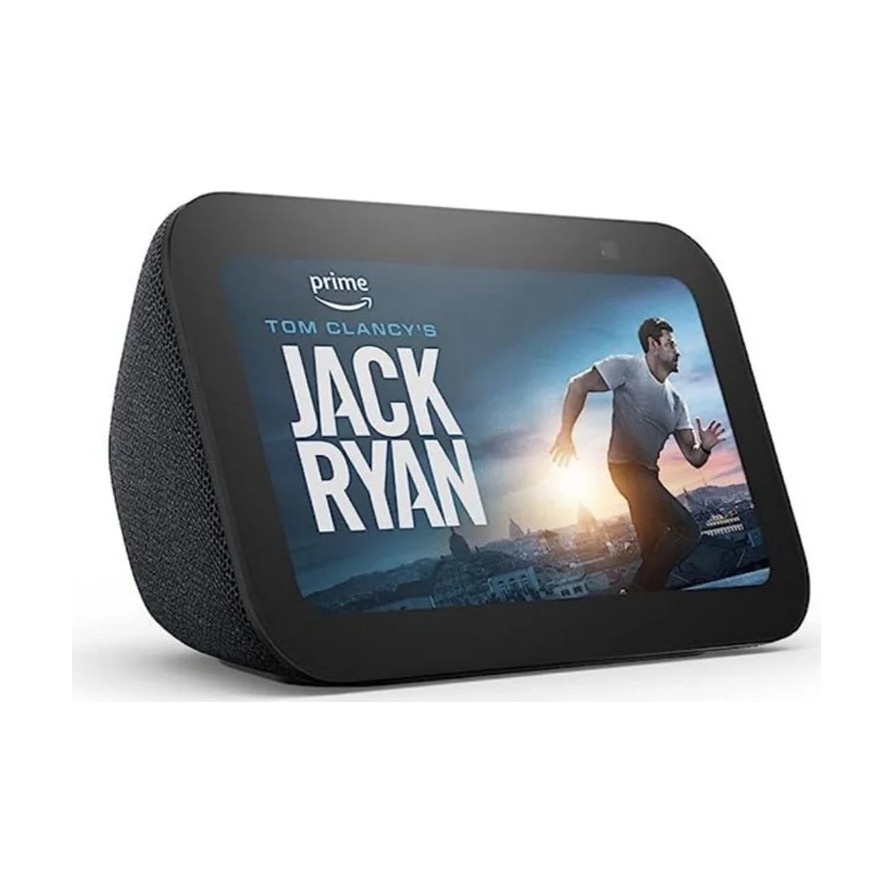
A maintenance release, Matter 1.5.1, followed with improvements to camera performance. The first certified Matter cameras were announced for 2026, but most cameras on the market, including the popular EZVIZ and Hikvision ranges, still use their own apps. Those apps remain the best way to view CCTV footage, set motion zones and receive alerts, and many already work with Alexa or Google for viewing on smart displays.
Is Matter useful in a Sri Lankan home today?
Yes, with realistic expectations. Matter smart plugs, bulbs and switches are widely available and work well. They let different family members use different assistants: one person may prefer Alexa on an Echo, another Google Home on an Android phone, and someone else Apple Home on an iPhone. With Matter, the same light can be controlled by all three.
Local conditions matter too. Power cuts and voltage drops affect smart devices, and Matter’s local control helps: if the internet is down but the router has power, lights and plugs still respond. Battery-powered Thread sensors keep working through short power cuts if the border router and router are on a UPS. Our UPS buying guide explains how to keep the router and hub running.
| Device type | Matter support in 2026 | Our advice |
|---|---|---|
| Smart plugs and bulbs | Widely available | Prefer Matter models for flexibility |
| Door and window sensors | Available, often Thread | Check you have a Thread border router |
| Smart locks | Some models | Check the specific model and its app features |
| Security cameras | Standard released, few products yet | Choose on camera quality and app; Matter is a bonus |
| Gate and garage openers | Standard released in 1.5 | Expect products to arrive gradually |
Setting up a Matter device
- Check the box for the Matter logo and note whether it uses Wi-Fi or Thread.
- Make sure your controller is ready. Update the Alexa, Google Home or Apple Home app and your speaker or hub.
- Scan the Matter QR code on the device or its packaging. Keep a photo of the code, because you may need it again.
- Add it to other ecosystems if you want. In the first app, look for an option to share or link the device with another app; it generates a new pairing code.
- Name devices by room so voice commands are simple, such as “living room lamp”.
Tip: Matter devices need your phone and the device on the same network during setup. If setup fails, check that your phone is on the 2.4GHz-capable home Wi-Fi, not a guest network. Our post on 2.4GHz and 5GHz Wi-Fi for smart devices explains why.
Choosing a controller
If you already use one assistant, start there. Amazon Echo speakers are popular in Sri Lanka because they work well in English and are reasonably priced. An Echo Dot (5th Gen) at Rs 19,000 can control Matter devices over Wi-Fi; for Thread devices, check that your chosen speaker or hub includes a Thread border router. Our comparison of the Echo Dot and Echo Show covers the differences between the models.
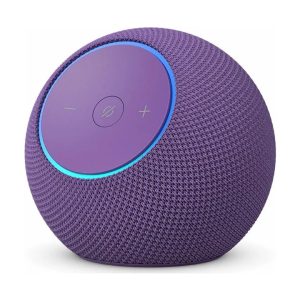
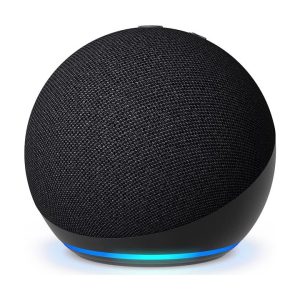
A good Wi-Fi network underpins all of this. Smart devices in a large or multi-storey house often struggle at the edges of a single router; our guide to mesh Wi-Fi explains how to fix weak spots. If you would rather have it done for you, our smart home setup service covers planning, installation and configuration. As an example, an Echo Dot with our Smart Home Setup Package comes to Rs 38,900, and the smart home starter guide suggests what to add first.
Reading the labels when you buy
Packaging can be confusing because brands use several logos at once. “Works with Alexa” or “Works with Google Home” on its own usually means the device connects through the maker’s cloud, not through Matter. The Matter logo is the one to look for if you want multi-brand control. Some boxes also show a Thread logo, which tells you the device needs a Thread border router.
Check the app features as well as the logo. Matter covers the common controls, such as on, off, brightness or lock and unlock, but some advanced features, like energy reports, firmware updates or special lighting effects, may still need the manufacturer’s own app. That is normal, and it is a good reason to buy from brands whose apps are well reviewed and supported locally. Ask us if you are unsure whether a particular model will do what you want.
Security and privacy
Matter requires every certified device to prove it is genuine during setup and encrypts communication between devices. That is a real improvement over many older cheap devices. It does not remove the need for basic care: keep your router updated, use a strong Wi-Fi password, and remove devices you no longer use. Our home Wi-Fi security checklist covers the router side.
Frequently asked questions
Do I need to replace my existing smart devices to use Matter?
No. Your current devices keep working in their own apps. Some hubs and bridges can make older devices appear in Matter, and you can add Matter devices gradually.
Does Matter work without the internet?
Basic control usually works over your local network during an internet outage, as long as the router and controller have power. Remote control from outside the home needs the internet.
What is a Thread border router?
A device that connects low-power Thread smart devices to your home network. It is built into some smart speakers, displays and hubs. You need one for Thread devices.
Will my EZVIZ or Hikvision camera work with Matter?
Most current models do not use Matter and work through their own apps, which also support viewing on Alexa or Google displays. Matter cameras are only starting to appear in 2026.
Can one device work with Alexa and Google at the same time?
Yes. That is one of Matter’s main features. Add the device in one app, then share it with the other using the pairing code the first app provides.
This article was originally published on eudora.lk.