Most CCTV systems are installed, checked once, and then forgotten until something happens. That is exactly when people discover that a camera has been showing a blurred picture for months, the recorder’s hard drive failed in the rainy season, or the system stopped recording after a power cut and never restarted. Cameras work outdoors in heat, humidity, dust and monsoon rain, and recorders run around the clock, so a little regular attention makes the difference between a system that protects you and one that only looks as if it does. This checklist sets out a simple routine for homes, shops and offices, with what to check monthly, quarterly and yearly, and what to replace when.
Key points
- The most important check is playback: confirm the system recorded yesterday, not just that live pictures appear.
- Clean lenses and housings every few months, more often near roads, the sea or construction.
- Surveillance hard drives run 24 hours a day and wear out; plan to replace them every three to five years.
- Power supplies, connectors and surge protection cause more failures than cameras themselves.
- Keep firmware updated and passwords strong, because recorders connected to the internet are a target.
Why CCTV needs maintenance
A CCTV system has more moving parts than it seems. Each camera depends on a clean lens, a working infrared light for night vision, a dry connector and a stable power supply. The recorder depends on a healthy hard drive, a correct recording schedule, accurate time and date, and in many cases an internet connection for remote viewing. Any one of these can fail quietly. The picture on the monitor may still look fine during the day while night recording has stopped, or the live view may work while the hard drive is no longer saving anything.
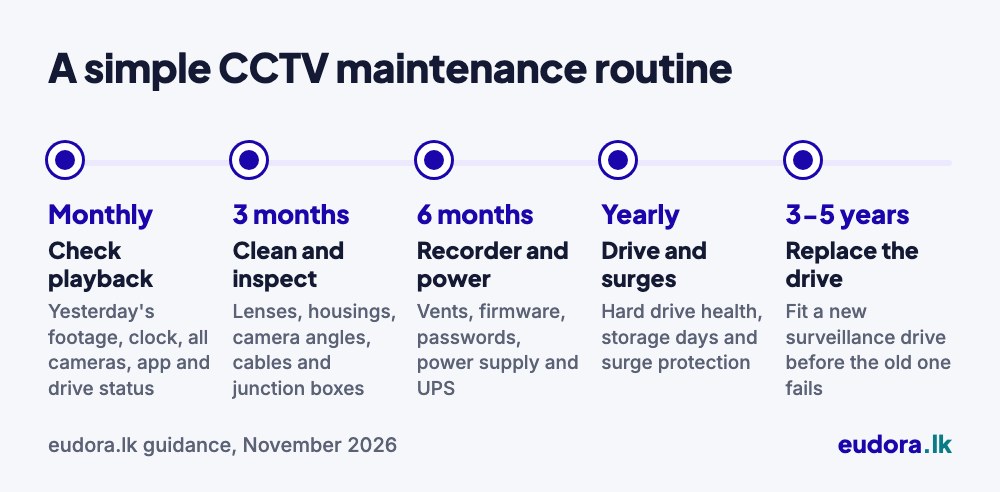
Monthly: five-minute checks
These checks take a few minutes and can be done by anyone in the household or shop. Put a reminder on your phone for the first day of each month.
- Playback: open playback for yesterday, on every camera, both daytime and night-time. This is the single most important check.
- Date and time: confirm the recorder’s clock is correct. Footage with the wrong time is much less useful as evidence.
- All cameras showing: look for “video loss”, black screens or one camera noticeably darker or blurrier than the others.
- Phone app: confirm remote viewing still works away from home on mobile data.
- Hard drive status: the recorder’s storage or HDD menu should show “Normal”. Anything else needs attention.
Tip: Export a short clip from each camera once a month and play it on a computer. It confirms the export process works, so you are not learning it in a hurry when the police ask for footage.
Every three months: cameras and cables
Dust, spider webs and salt build up on camera housings faster than most people expect, especially near main roads, construction sites and the coast. A dirty dome or lens glass scatters the infrared light at night, producing a hazy, washed-out picture. Spider webs in front of the lens reflect infrared and can trigger constant false motion alerts.
- Clean the lens and housing: use a soft microfibre cloth and plain water or lens cleaner. Avoid household glass cleaners on dome covers, which can cloud the plastic.
- Check the view: confirm each camera still points where it should. Wind, birds and maintenance work knock cameras out of position.
- Look at the cables: check outdoor cables and connectors for cracking, sagging, chewed insulation or loose joints.
- Check junction boxes: open outdoor junction boxes and look for water, corrosion or insects.
- Trim plants: branches and creepers grow into camera views and cause false alerts in the wind.
Every six months: recorder and power
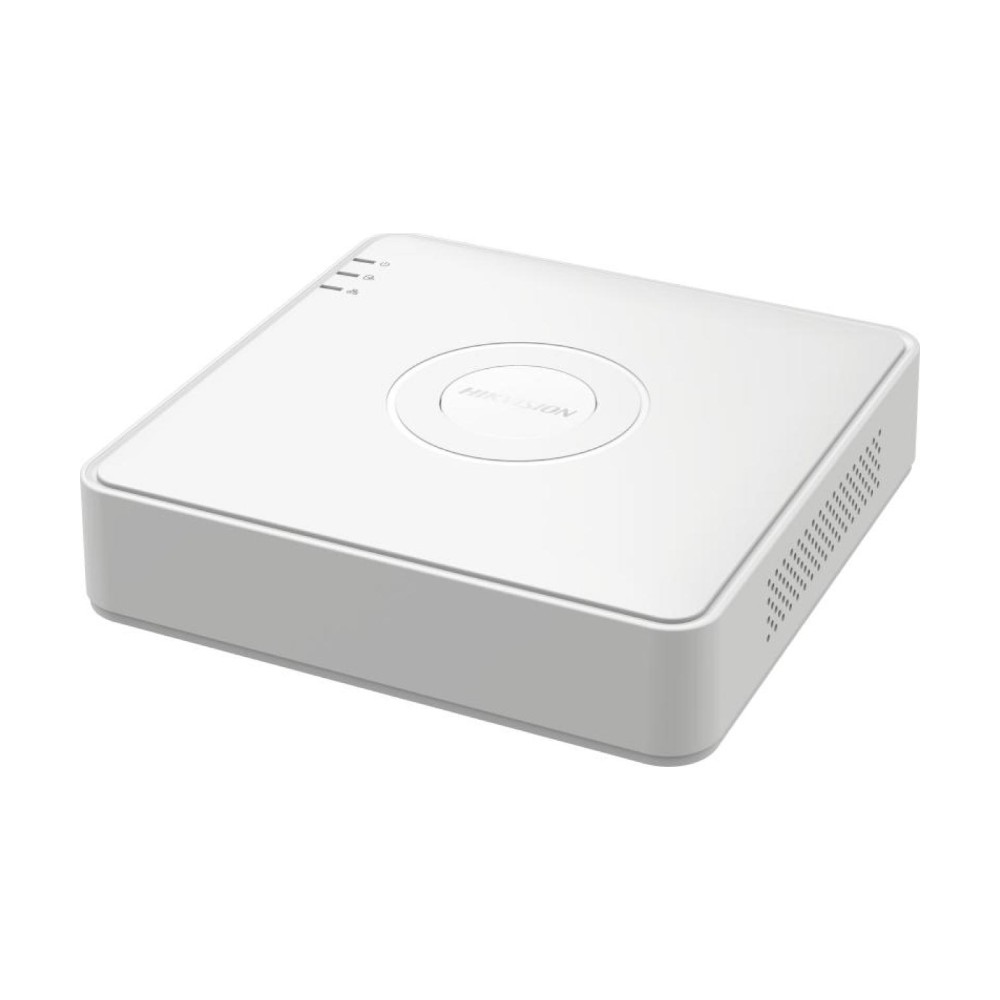
The recorder is the heart of the system and usually sits in a cupboard where nobody looks at it. Twice a year, give it some attention.
- Ventilation: make sure the recorder has space around it, the fan is spinning and the vents are not blocked by dust. Overheating shortens hard drive life.
- Firmware: check the manufacturer’s site or the recorder’s upgrade menu for firmware updates, which fix security problems and bugs.
- Passwords: confirm the default password has been changed, review which user accounts exist, and remove old staff accounts.
- Power supply: check that the camera power supply is not hot to the touch or buzzing, and that its output voltage is correct if you have a meter.
- UPS battery: if the recorder is on a UPS, test it by switching off the mains briefly.
- Recording settings: confirm the schedule and motion detection still match how you use the property.
A failing power supply is one of the most common causes of night-time problems. Infrared lights draw extra power after dark, so a weak supply may run cameras fine in daylight and then cause flickering or dropouts at night. A replacement 12V 5A CCTV power supply costs Rs 2,800.
Every year: hard drive and protection
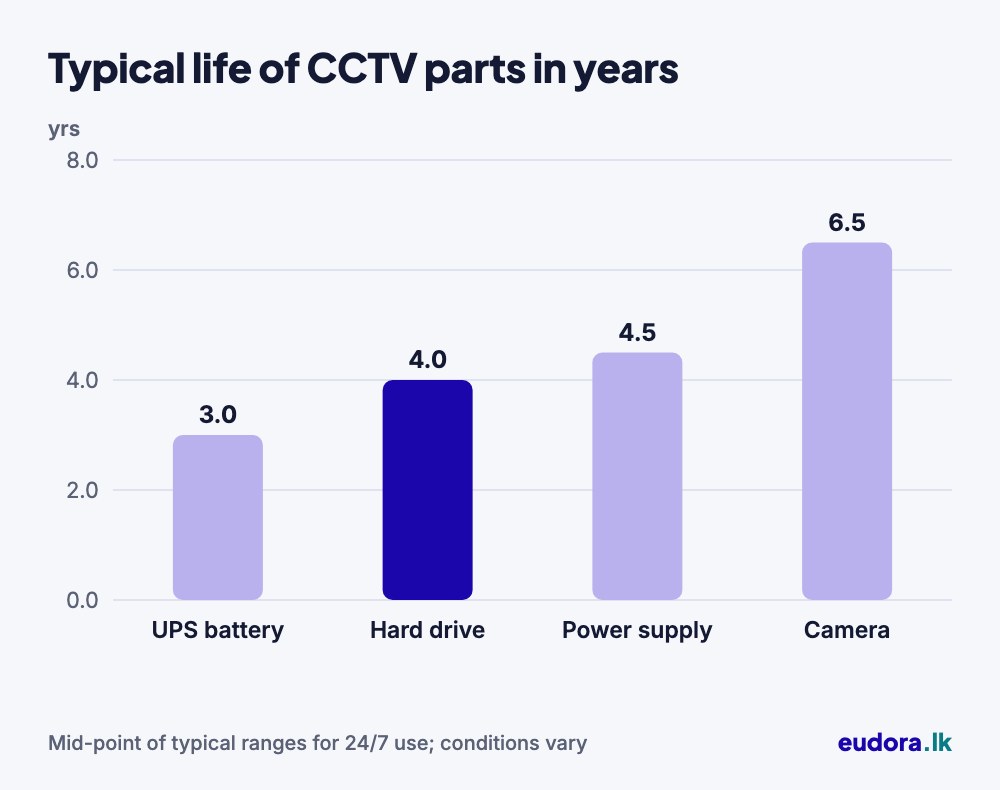
Surveillance hard drives work harder than almost any other drive, writing continuously every hour of every day. Drives designed for this, such as Seagate SkyHawk and WD Purple, are built for it, but they still wear out. In 24-hour use, plan on replacing a surveillance drive every three to five years, sooner if the recorder runs hot.
Once a year, check the drive’s health in the recorder’s HDD menu, look at how many days of footage are stored, and consider whether you need more. If the system keeps only a few days before overwriting, an incident discovered a week later may already be gone. Our guide to how much storage CCTV needs explains how to work it out, and our comparison of surveillance and desktop drives explains why the drive type matters.
Check surge protection at the same time. Lightning in the monsoon months is a leading cause of CCTV damage in Sri Lanka, travelling along long outdoor cables to the recorder. An AC surge protector for the recorder’s power costs Rs 1,800, and PoE systems benefit from surge protectors on outdoor network runs. Our article on protecting CCTV from lightning covers this in detail.
| Part | Typical life | Signs it needs replacing |
|---|---|---|
| Surveillance hard drive | 3 to 5 years in 24/7 use | Errors in HDD status, missing recordings, clicking sounds |
| Camera power supply | 3 to 6 years | Night-time flicker, cameras restarting, hot or buzzing unit |
| UPS battery | 2 to 4 years | Very short runtime, UPS beeping or failing self-test |
| Outdoor connectors and baluns | Varies with exposure | Interference lines, colour loss, picture failing in rain |
| Cameras | 5 to 8 years or more | Weak night vision, fogged lens, failed infrared LEDs |
After storms and power cuts
Check the system after any severe thunderstorm or long power cut. Confirm the recorder has restarted and is recording, every camera is showing, and the date and time have not reset. Some older recorders return to factory time after losing power, which silently corrupts the timestamps on every recording that follows. A small UPS on the recorder, such as the PROLiNK 650VA at Rs 11,000, avoids most of these problems by keeping it running through short cuts and allowing a clean shutdown in long ones. Our UPS buying guide explains sizing.
Security maintenance
A recorder connected to the internet for phone viewing is a small computer on your network, and attackers scan for them constantly. Use a strong, unique password, turn on two-step verification in the app if available, and avoid opening ports on the router for remote viewing; use the manufacturer’s cloud service instead. Disable features you do not use, such as UPnP. Our guide to securing your home router covers the network side.
Warning: If you sell a property or replace a recorder, reset it to factory settings and remove it from your app account. Old recorders often still hold weeks of footage and saved passwords.
Professional maintenance visits
Many households and most businesses prefer to have the checks done for them. Our CCTV maintenance visit at Rs 4,500 includes cleaning every camera, checking views and cabling, testing recording and playback, checking hard drive health, updating firmware and reviewing passwords, with a short written report. Two visits a year, which we recommend before and after the main monsoon seasons, come to Rs 9,000. If a drive needs replacing, a 2TB Seagate SkyHawk with the visit comes to Rs 51,200. See our CCTV services page for details.
-
 Seagate
 SkyHawk 2TB Surveillance Hard Drive (3-year warranty)
Rs 46,700
Add to cart
-
 Seagate
 SkyHawk 1TB Surveillance Hard Drive
Rs 20,800
Add to cart
-
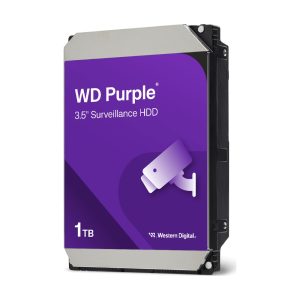 Western Digital
WD Purple 1TB Surveillance Hard Drive
Rs 20,800
Add to cart
-
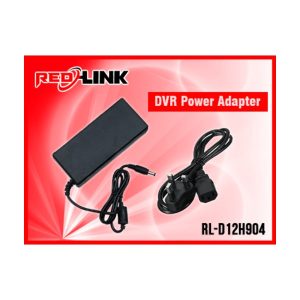 Red-Link
12V 5A CCTV Power Supply (4-8 cameras)
Rs 2,800
Add to cart
Frequently asked questions
How often should CCTV be serviced?
Check playback monthly yourself, clean cameras every three months, and have a full service once or twice a year.
How do I know my DVR is recording?
Open playback for yesterday on each camera. Live view alone does not prove recording.
Why is my night picture hazy?
Usually a dirty lens or dome, spider webs reflecting infrared, or a weak power supply. Clean the camera first.
How long does a CCTV hard drive last?
Typically three to five years in continuous use. Replace it when the recorder reports errors or recordings go missing.
Should my recorder be on a UPS?
Yes. It keeps recording through short power cuts and protects the hard drive from sudden shutdowns.
This article was originally published on eudora.lk.