HDMI is everywhere: TVs, monitors, projectors, set-top boxes, games consoles, laptops and meeting-room screens all use it. Yet buying a cable can be surprisingly confusing. Boxes advertise “4K”, “8K”, “HDMI 2.1”, “gold plated” and “for gaming”, prices range from almost nothing to the cost of a small monitor, and sometimes an expensive cable still gives a flickering picture while a cheap one works fine. The truth is that most HDMI connections only need a properly certified cable of the right speed and length, and that the labels that matter are different from the ones on many boxes. This guide explains HDMI versions and cable categories, length limits, audio features and adapters, so you can buy the right cable for each job.
Key points
- HDMI versions describe the devices; cable categories such as High Speed and Ultra High Speed describe the cable.
- A Premium High Speed cable handles 4K at 60Hz; an Ultra High Speed cable is needed for 4K at 120Hz and 8K.
- Ordinary passive cables work well up to about 3 to 5 metres; longer runs need active or fibre cables.
- Gold plating and thick braiding do not improve the picture; certification and correct speed do.
- For laptops, a USB-C to HDMI cable or hub works only if the USB-C port supports video.
Versions versus cable categories
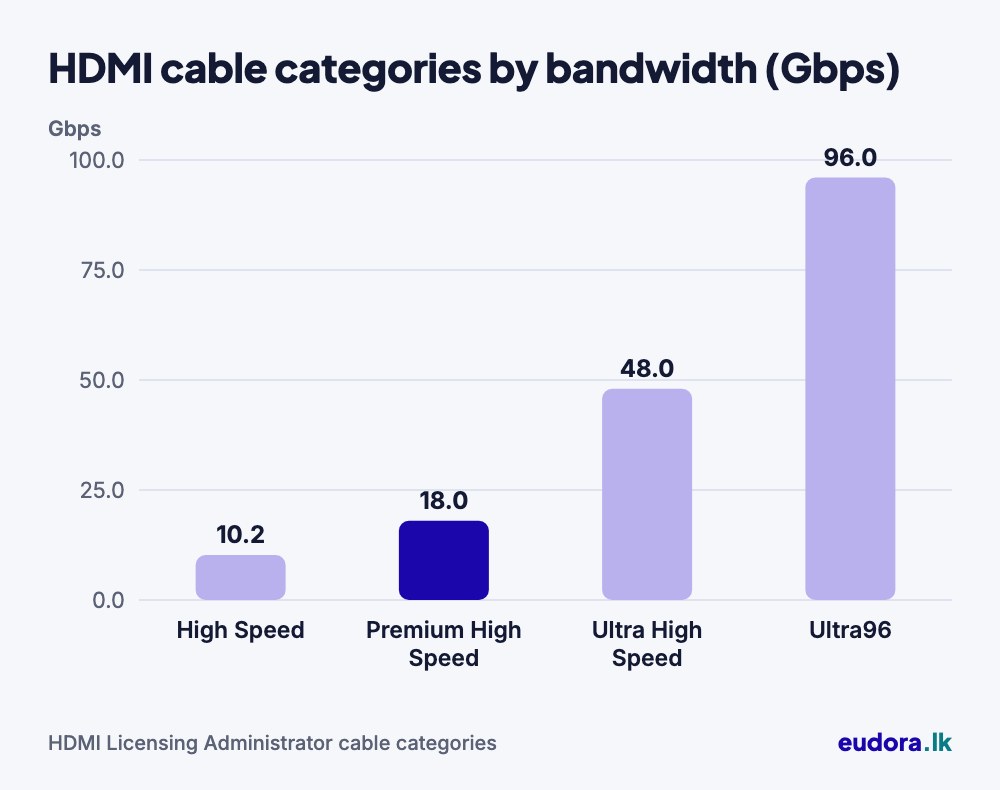
HDMI versions, such as 1.4, 2.0 and 2.1, describe what a TV, monitor or laptop can do. Cables are not officially sold by version number but by speed category, certified by the HDMI licensing body. Matching the cable category to the version your devices support is what matters.
| Cable category | Bandwidth | Typical use | Matches HDMI version |
|---|---|---|---|
| Standard | Low | Old 720p and 1080i equipment | Early HDMI |
| High Speed | 10.2 Gbps | 1080p, 4K at 30Hz | 1.4 |
| Premium High Speed | 18 Gbps | 4K at 60Hz with HDR | 2.0 |
| Ultra High Speed | 48 Gbps | 4K at 120Hz, 8K, gaming features | 2.1 |
| Ultra96 | 96 Gbps | Future high-resolution, high-refresh displays | 2.2 |
Certified Premium High Speed and Ultra High Speed cables carry a label with a QR code that can be scanned with the HDMI certification app to check it is genuine. Many cables sold online claim speeds they cannot deliver, which is a common cause of flickering, blank screens or HDR that keeps switching off.
Which cable for which job?
Most homes and offices do not need the fastest cable. A Full HD monitor at 60Hz, a projector or a set-top box works with any decent High Speed cable. A 4K TV with a streaming box or a 4K monitor at 60Hz needs Premium High Speed. Ultra High Speed is for 4K at 120Hz or 144Hz, current games consoles and gaming PCs, and 8K displays.
| Connection | Cable you need |
|---|---|
| Office monitor, Full HD | High Speed or better |
| Projector in a meeting room | High Speed or better; active cable if over about 10 metres |
| 4K TV with streaming box or set-top box | Premium High Speed |
| 4K monitor at 60Hz for design work | Premium High Speed, or DisplayPort |
| PlayStation 5 or gaming PC at 120Hz | Ultra High Speed |
| TV to soundbar with Dolby Atmos (eARC) | Ultra High Speed, or High Speed with Ethernet |
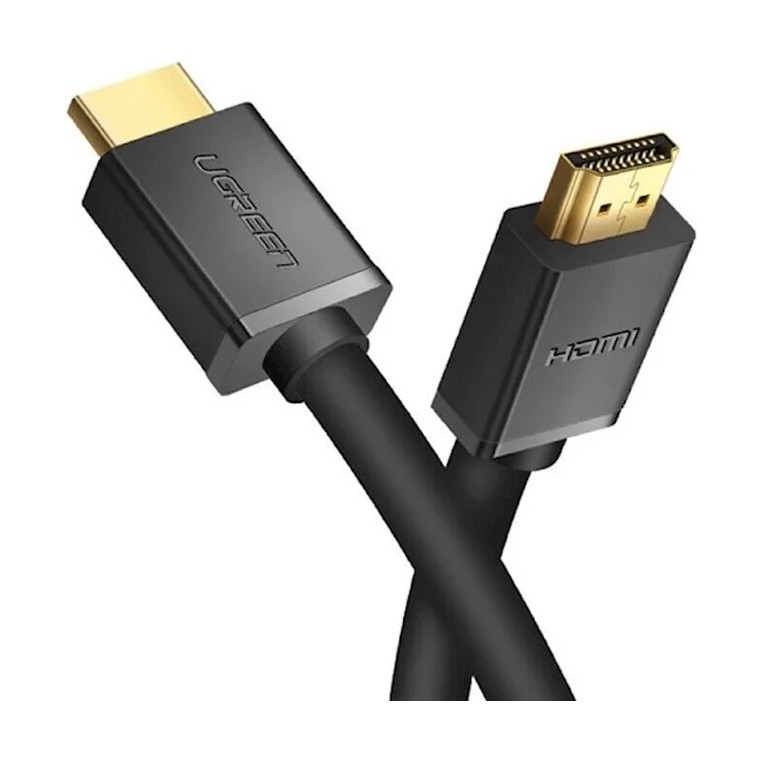
The UGREEN HD104 4K HDMI cables in our catalogue, at Rs 2,800 for 2 metres and Rs 4,300 for 3 metres, suit monitors, TVs and projectors at typical desk and living room distances. Our monitor buying guide explains resolution and refresh rate, and our dual monitor guide covers connecting two screens.
Length limits
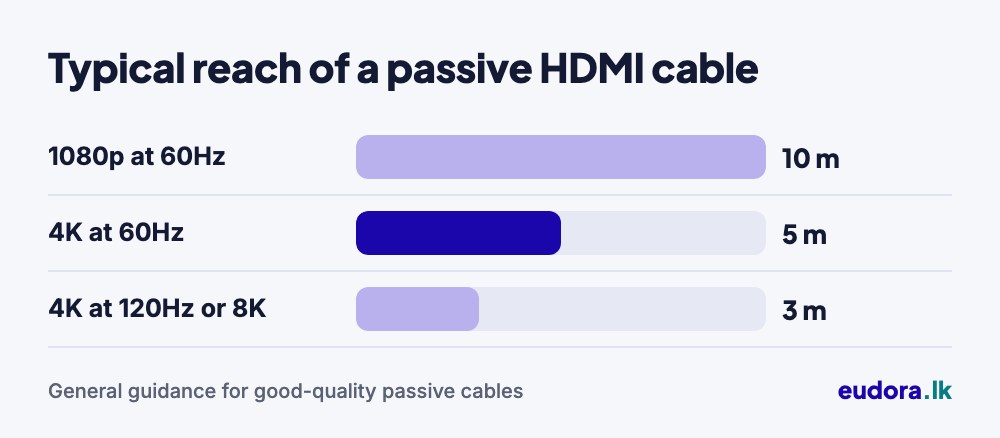
HDMI signals weaken over distance, and the higher the bandwidth, the shorter a passive copper cable can carry it reliably. As a rough guide, passive cables carry 1080p comfortably to about 10 metres, 4K at 60Hz to around 5 metres, and 4K at 120Hz or 8K to about 2 to 3 metres. Beyond those lengths, use an active HDMI cable with a built-in signal booster, an active optical (fibre) HDMI cable, or an HDMI over network extender that sends the signal over Cat6.
Active and fibre cables are directional: one end must be at the source, such as the laptop or set-top box, and the other at the display. Plugging them in backwards gives no picture. For meeting rooms and classrooms where a projector is 10 to 20 metres from the lectern, fibre HDMI or an extender is far more reliable than the longest copper cable you can find. Our projector guide covers room planning.
Audio: ARC and eARC
HDMI also carries sound back from a TV to a soundbar or AV receiver through the Audio Return Channel (ARC), or its enhanced version eARC, which supports high-quality formats such as Dolby Atmos. Connect the soundbar to the TV’s port labelled ARC or eARC and turn on HDMI-CEC in the TV settings so one remote controls both. eARC needs an HDMI cable with Ethernet; any Ultra High Speed cable qualifies.
Laptops and adapters
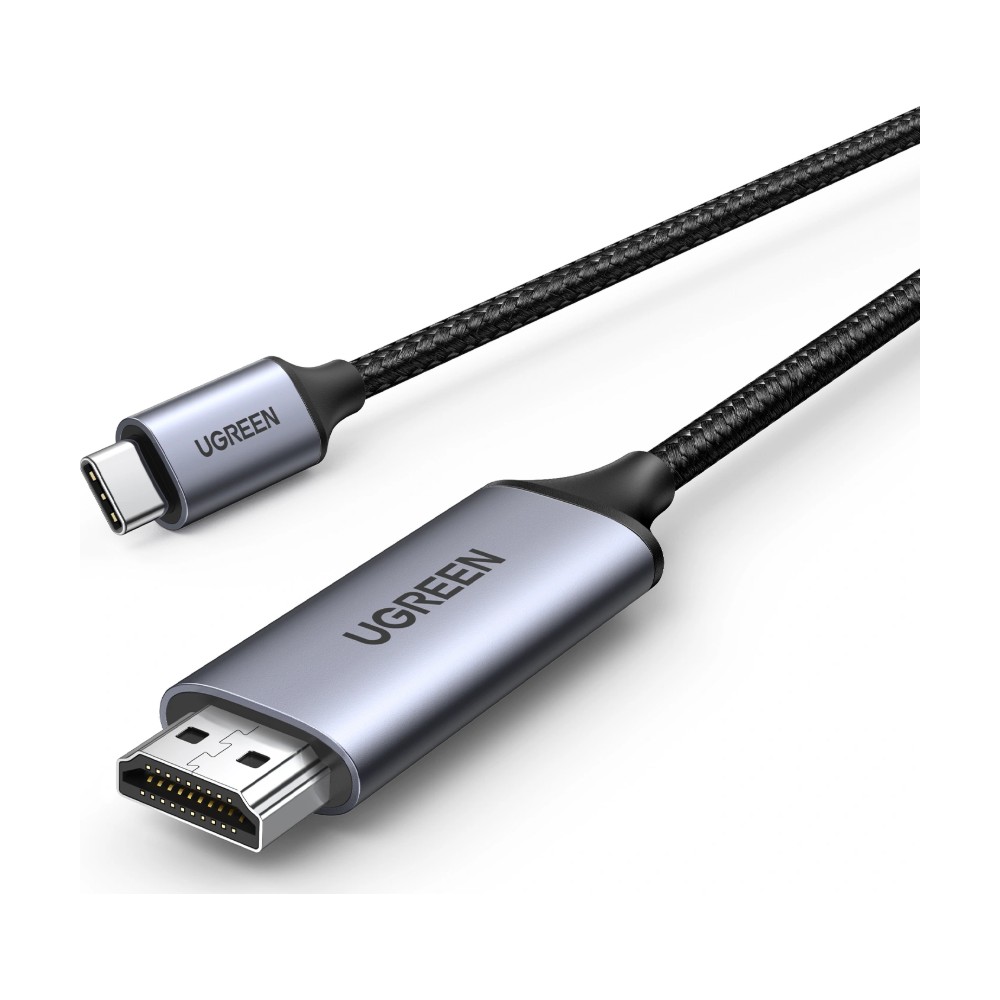
Many thin laptops no longer have a full-size HDMI port. A USB-C to HDMI cable such as the UGREEN MM142 at Rs 6,200 connects directly to a monitor or TV and supports 4K at 60Hz, but only if the laptop’s USB-C port supports video output, often shown by a DisplayPort or Thunderbolt symbol. A USB-C hub with HDMI adds other ports too; our hub and docking station guide explains the options.
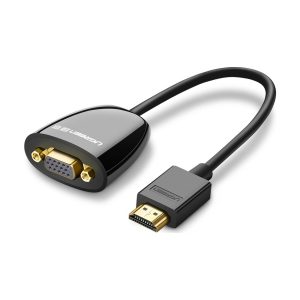
Older projectors and monitors in many offices and schools still have only VGA inputs. An HDMI to VGA converter such as the UGREEN MM105 at Rs 3,500 converts the digital signal to analogue for those displays. It needs to be a converter with active electronics, not a simple cable, because HDMI and VGA use different signal types. VGA carries no sound, so use the laptop’s speakers or a separate audio cable.
HDMI or DisplayPort?
Computer monitors often offer DisplayPort as well as HDMI. For most office work the two are interchangeable, and you should simply use whichever port both devices share. DisplayPort has a few advantages on PCs: it supports high refresh rates on gaming monitors without needing the newest cable, and some monitors can be daisy-chained, with one DisplayPort cable from the computer feeding a second monitor through the first. HDMI is better for TVs, projectors and anything connected to audio equipment, because of ARC and CEC remote control.
Many business desktops have DisplayPort outputs but no HDMI, and many monitors have HDMI but no DisplayPort input. A passive DisplayPort to HDMI cable usually solves that for Full HD and 4K at 30Hz; for 4K at 60Hz, choose a cable or adapter that states it explicitly. Going the other way, from HDMI to DisplayPort, needs an active converter, which is rarely worth it compared with choosing the right port.
Wall-mounted TVs and screens in offices deserve one more thought: once a cable is inside a wall or trunking, replacing it is a job. Use a certified Ultra High Speed cable for anything built in, even if today’s equipment does not need it, so a future screen upgrade does not mean opening the wall.
Myths worth ignoring
- Gold plating improves the picture: HDMI is digital; gold resists corrosion but does not change image quality.
- Expensive cables give better colour: a digital signal either arrives intact or shows obvious faults such as sparkles or dropouts.
- “8K” on the box means it works at 8K: only certified Ultra High Speed cables are tested for it.
- Thicker is better: thick cables can be harder to route and strain ports; certification matters more than thickness.
Troubleshooting a bad HDMI connection
If the screen flickers, goes black for a moment or shows sparkles, try these in order: reseat both ends, try a shorter or certified cable, try another HDMI port on the display, lower the refresh rate or turn off HDR to test, and update the TV or laptop firmware. A cable that works at 1080p can fail at 4K, which shows it is not fast enough. Avoid tight bends near the plug and do not let the cable hang from the port, especially on laptops and wall-mounted TVs.
Setting up a meeting room
A practical kit for a small office meeting room is a 3-metre HDMI cable on the table, a USB-C to HDMI cable for newer laptops and an HDMI to VGA converter for an older projector; together the UGREEN HD104 3m, MM142 and MM105 come to Rs 14,000. Label the cables and keep them in the room. Our IT support team can set up meeting room displays and wireless presentation options.
-
 UGREEN
 MM142 USB-C to HDMI Cable – 1.5m, 4K 60Hz
Rs 6,200
Add to cart
-
 UGREEN
 MM105 HDMI to VGA Converter – 1080p
Rs 3,500
Add to cart
-
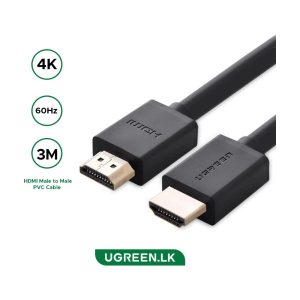 UGREEN
 HD104 4K HDMI Cable – 3m, High Speed with Ethernet
Rs 4,300
Add to cart
-
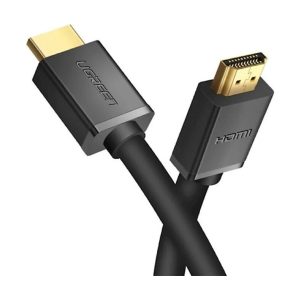 UGREEN
 HD104 4K HDMI Cable – 2m, High Speed with Ethernet
Rs 2,800
Add to cart
Frequently asked questions
Do I need an HDMI 2.1 cable for a 4K TV?
Not for streaming or set-top boxes at 4K 60Hz; a Premium High Speed cable is enough. You need Ultra High Speed for 4K at 120Hz gaming.
Why does my HDMI cable work at 1080p but not 4K?
The cable is not fast enough or too long for 4K. Use a certified Premium High Speed or Ultra High Speed cable.
How long can an HDMI cable be?
About 5 metres for 4K at 60Hz with a passive cable. Use active or fibre cables for longer runs.
Can I connect a laptop to a VGA projector?
Yes, with an HDMI to VGA converter or a USB-C hub with VGA. Sound needs a separate connection.
Do HDMI cables wear out?
The cable itself rarely does, but plugs and ports loosen with repeated plugging, especially in meeting rooms.
This article was originally published on eudora.lk.