Walk past a laptop display in a shop today and the OLED models stand out immediately: deep black backgrounds, vivid colours and photos that seem to glow. A few years ago OLED screens were found only on expensive premium laptops; now they are appearing in mid-range models too. But a screen that looks stunning in a shop is not automatically the best choice for eight hours of spreadsheets, emails and video calls. OLED has genuine advantages, some trade-offs and a reputation for “burn-in” that worries many buyers. This guide explains how OLED differs from the IPS LCD screens most laptops use, who benefits most, what to watch out for, and how to look after an OLED laptop so it lasts.
Key points
- OLED pixels make their own light, giving true blacks, very high contrast and rich colours.
- IPS LCD screens are brighter on average for white documents, cheaper and have no burn-in risk.
- OLED suits photo and video work, watching films and people who value image quality; IPS suits long office work and tight budgets.
- Burn-in is uncommon with normal use on modern laptops, especially with dark mode and the built-in protection features turned on.
- Some people notice flicker on OLED at low brightness; try the screen before buying if you are sensitive.
How OLED and IPS differ
An IPS LCD screen uses a backlight shining through a layer of liquid crystals that block or pass light for each pixel. Because the backlight is always on, blacks are really dark grey, and contrast is limited. An OLED screen has no backlight: each pixel is a tiny organic light-emitting diode that produces its own light and switches off completely for black. That gives OLED its striking contrast, deep blacks and wide colour range, and allows thinner, lighter screens.
| OLED | IPS LCD | |
|---|---|---|
| Black level and contrast | True black, extremely high contrast | Dark grey blacks, moderate contrast |
| Colour range | Usually wide (often full DCI-P3) | Varies from basic to wide |
| Brightness on white pages | Good, sometimes lower than the best IPS | Often brighter for full-white screens |
| Viewing angles | Excellent | Very good |
| Response time | Near instant | Slower, slight blur in motion |
| Burn-in risk | Possible with long static images | None |
| Low-brightness flicker | Some models use PWM dimming | Rare on modern models |
| Price | Higher | Lower |
Who benefits most from OLED
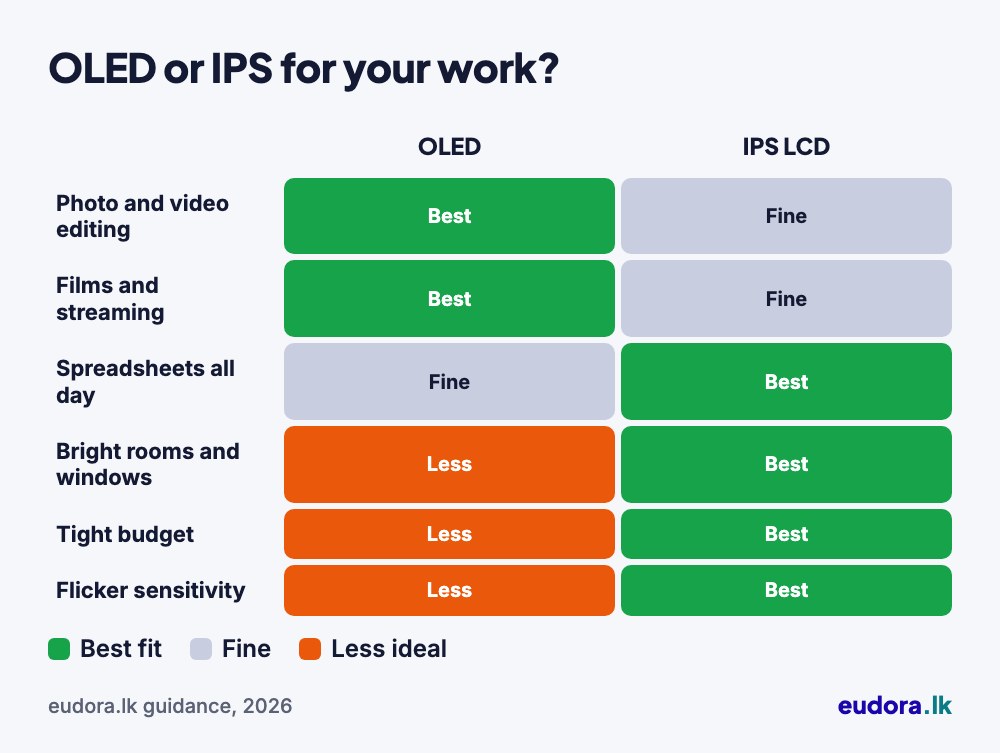
Photographers, designers and video editors benefit most, because OLED’s wide colour range and true blacks show images closer to how they will look on modern phones and TVs. Students and professionals who watch a lot of video, and anyone who appreciates a beautiful screen, will notice the difference every day. OLED also suits people who prefer dark mode, which plays to its strengths.
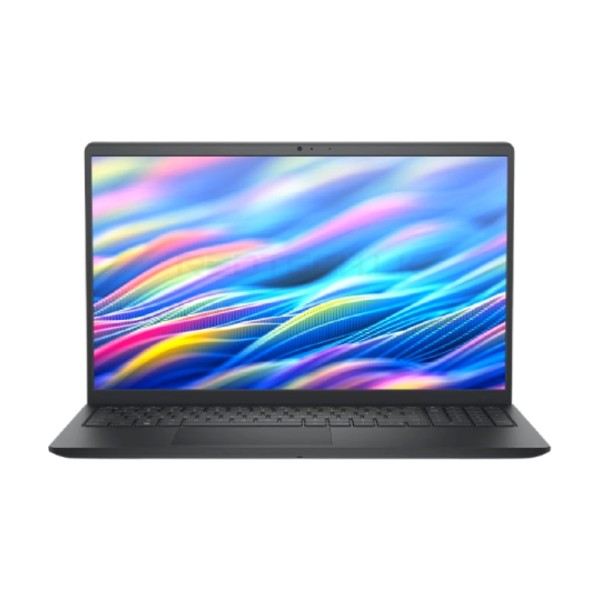
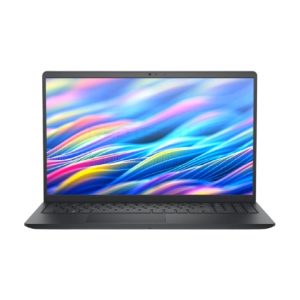
For long office days in bright rooms, mostly with white documents and spreadsheets, a good IPS screen is just as comfortable and often brighter for white pages, and it costs less. The Dell 15 DC15250 at Rs 225,800 has a smooth 120Hz IPS screen at a lower price, for example. Our laptop buying guide covers screens alongside processors and memory.
An example: OLED versus a business IPS laptop
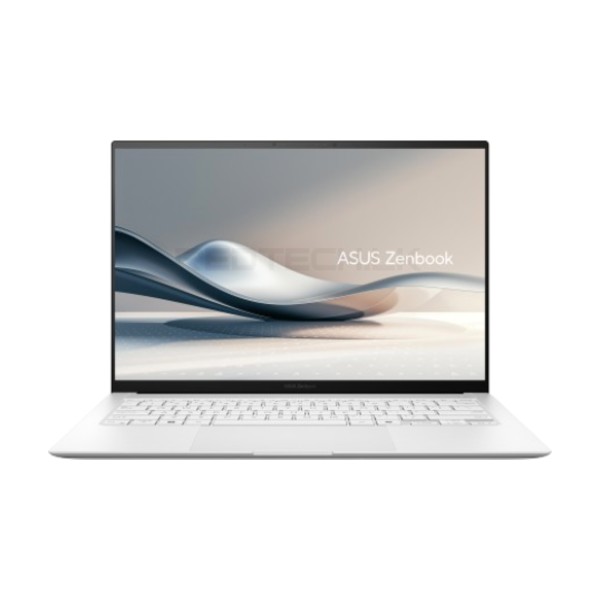
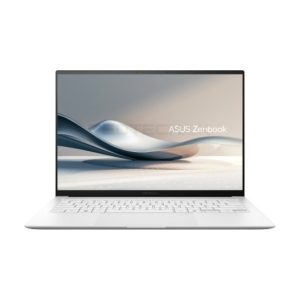
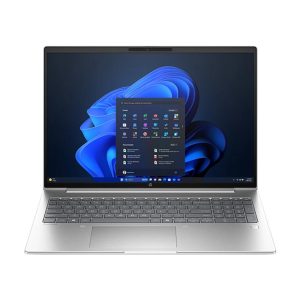
The ASUS Zenbook 14 OLED at Rs 486,000 pairs an OLED screen with a Core Ultra 5 processor, 16GB of memory and a 1TB SSD in a light body. The HP ProBook 4 G1i at Rs 472,000 is a business laptop with a similar processor class and 16GB of memory, an IPS screen and business-focused features such as durability and manageability. The OLED model costs Rs 14,000 more in this comparison, though the difference also reflects storage, design and other features, not only the screen.
Battery life: it depends on what you look at
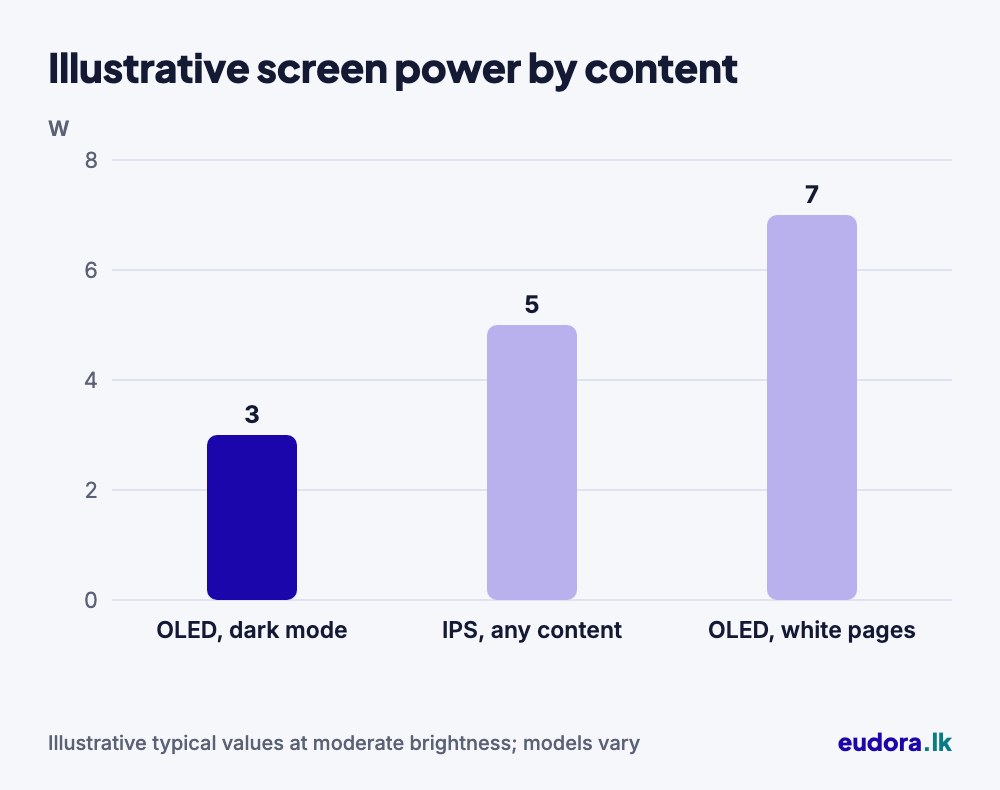
OLED power use depends on the content on screen. Dark pixels use little power and black pixels use none, so dark mode, video with dark scenes and dark-themed apps can be very efficient. Bright, mostly white screens, such as documents and web pages, draw more power on OLED than on a typical IPS panel. In practice, battery life on OLED laptops is similar to IPS models for mixed use, and better with dark themes. Battery capacity, processor efficiency and screen brightness matter more than the panel type alone. Our battery care guide covers getting the most from any laptop.
Burn-in: how real is the risk?
Burn-in happens when the same image stays on an OLED screen for very long periods, slowly ageing those pixels more than others, so a faint ghost of the image remains. On phones and TVs, it is usually caused by static elements such as navigation bars or channel logos shown for thousands of hours. Laptop makers now include protections: pixel shifting that moves the image slightly, screen savers, automatic dimming of static areas and periodic pixel refresh routines. With normal use, mixed content and these features on, burn-in is uncommon within a typical laptop’s lifespan.
Tip: To protect an OLED laptop, use dark mode, set the taskbar to hide automatically, turn on the manufacturer’s OLED care features, set the screen to turn off after a few minutes idle, and avoid leaving the same document at full brightness for hours.
Flicker and eye comfort
Many OLED screens control brightness at low levels by switching pixels on and off very rapidly, called pulse-width modulation (PWM). Most people do not notice, but a minority of users feel eye strain or headaches. Some newer OLED laptops use higher-frequency dimming or DC-like dimming to reduce this. If you are sensitive to flicker, try the specific model in person at low brightness before buying, or choose IPS. Whatever the screen, take regular breaks and set up your desk properly; our desk ergonomics guide explains how.
Glossy screens and bright rooms
Most OLED laptops have glossy screens, which look vivid but reflect windows and lights. In bright offices or near windows, reflections can be more distracting than the screen’s contrast is impressive. Matte IPS screens handle bright rooms better. If you mostly work at a desk, an external monitor is often the better place for long sessions; our office monitor guide covers affordable high-refresh screens.
Making the decision
Choose OLED if image quality matters to you, you edit photos or video, watch a lot of content, or simply value a beautiful screen and can accept the price. Choose a good IPS screen if you spend long days on white documents in bright rooms, are sensitive to flicker, or want the best value. Either way, check brightness (300 nits or more for indoor use), resolution and refresh rate, and see the actual screen before buying if possible.
What to check in the shop
Specifications only tell part of the story, so spend a few minutes with the actual laptop before paying. Open a white document and a dark web page and compare how each looks. Turn brightness down to around a quarter and watch for flicker, especially in your peripheral vision, and see whether your eyes feel comfortable. Tilt the screen and look at it from the side to check reflections from the shop lights, which are similar to many office ceilings. Check the resolution setting and text scaling: a sharp high-resolution OLED panel may need scaling at 125 or 150 percent for comfortable text, which is normal. Finally, ask about the warranty, and whether screen faults such as burn-in or dead pixels are covered and for how long, because screen repairs are among the more expensive laptop repairs.
OLED beyond laptops
The same trade-offs apply to OLED phones, tablets, monitors and TVs. Most mid-range and premium phones already use OLED, and people rarely see burn-in on them because the content changes constantly. OLED computer monitors have become more common for gaming and creative work, but for office desks showing the same taskbar, toolbars and spreadsheet grid all day, a good IPS monitor remains the practical, lower-risk choice for now. If you like OLED’s look, a reasonable approach is an OLED laptop for portable use and media, paired with an IPS monitor for long static work at your desk, so each screen does what it is best at.
Looking after any laptop screen
Clean the screen with a soft microfibre cloth, lightly dampened with water if needed, never with household glass cleaner. Close the lid gently and avoid pressing on the screen, and do not leave pens or earbuds on the keyboard when closing it, which can mark or crack the display. Our team sets up new laptops with sensible display and power settings with our PC and laptop setup service at Rs 3,500.
-
 ASUS
ASUS Zenbook 14 OLED UX3405CA Laptop – Core Ultra 5 225H, 16GB, 1TB SSD
Rs 486,000
Add to cart
-
 Apple
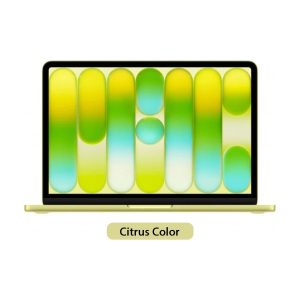
Apple MacBook Neo 13-inch – A18 Pro, 8GB, 512GB SSD
Rs 310,000
Add to cart
-
 HP
HP ProBook 4 G1i 14 Laptop – Core Ultra 5 225U, 16GB, 512GB SSD
Rs 472,000
Add to cart
-
 Dell
Dell 15 DC15250 Laptop – Core i5-1334U, 8GB, 512GB SSD, 120Hz
Rs 225,800
Add to cart
Frequently asked questions
Is OLED better than IPS for laptops?
For image quality, yes. For bright office work, flicker sensitivity and value, a good IPS screen can be the better choice.
Will my OLED laptop get burn-in?
It is uncommon with normal, varied use and the built-in protections on. Avoid long static images at high brightness.
Does OLED use more battery?
It uses more with bright white content and less with dark content. Overall battery life is similar for mixed use.
Are OLED screens bad for eyes?
Most people are fine. Some sensitive users notice flicker at low brightness, so try the model first.
Is OLED good for office work?
It works well, especially with dark mode, but IPS is often brighter for white documents and costs less.
This article was originally published on eudora.lk.